ISAW Medical Support

Support that follows your testing journey.

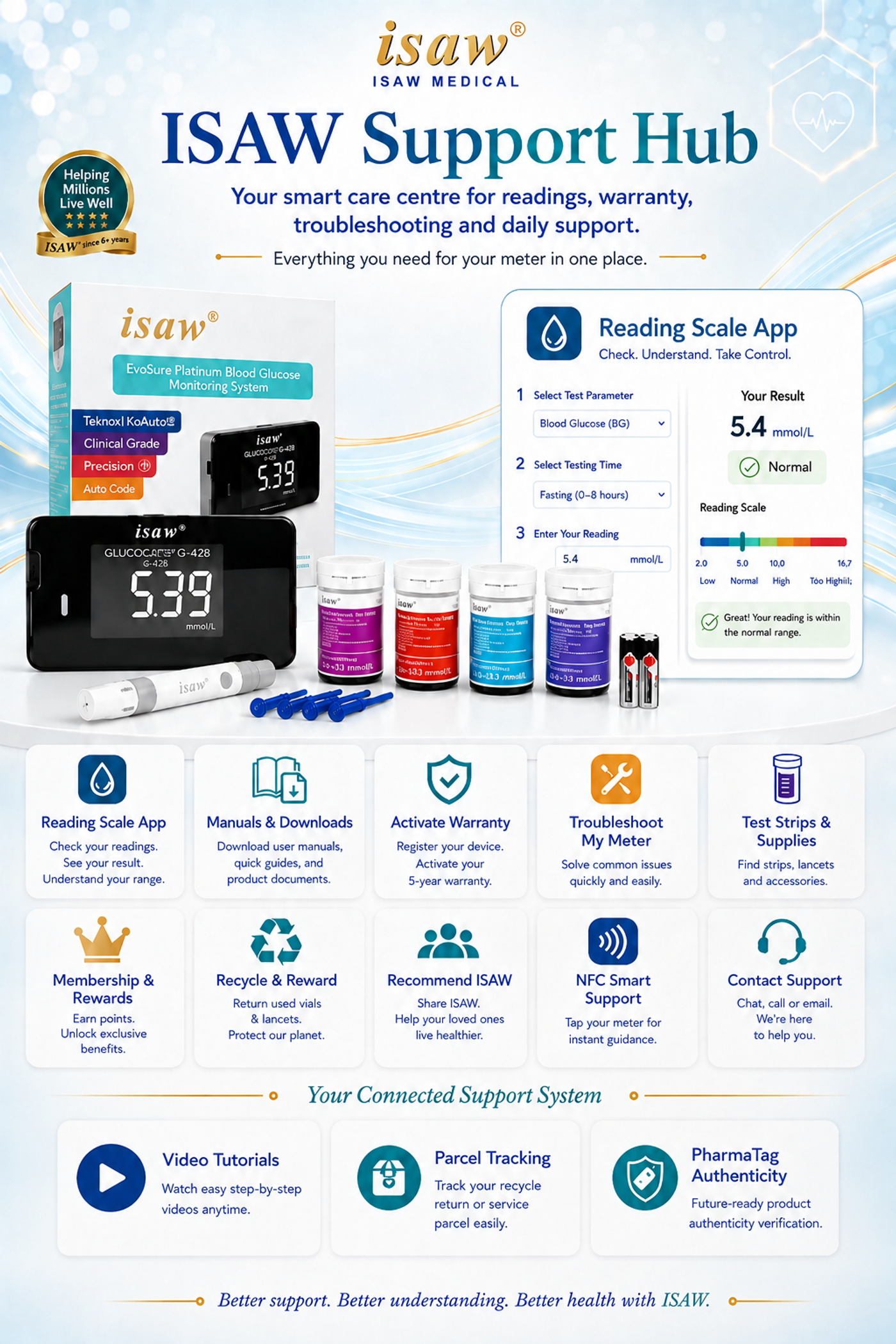
Set up your ISAW system, activate warranty, understand your next step, troubleshoot common issues and reorder supplies — all from one support centre.

Product Setup5-Year WarrantyTroubleshootingReorder Supplies
Everything in one place

ISAW Support Hub

Choose what you need. Each pathway is designed to help you continue from setup, to testing, to support and reordering.

Start here

Set Up My ISAW

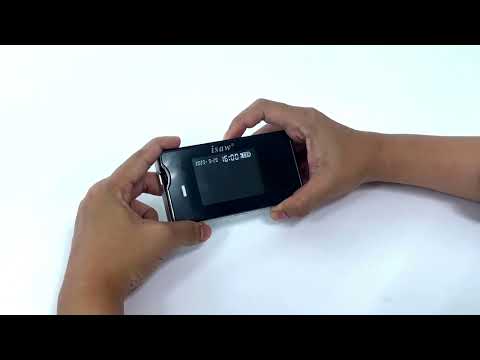
Follow a simple setup path for date and time, strip code matching and first use.

Open setup guide →
5 years

Activate Warranty

Register your ISAW purchase so your warranty details are easier to retrieve when support is needed.

Activate warranty
Guided help

Troubleshoot My Meter

Select the issue you are seeing and follow a short decision path before contacting support.

Start troubleshooting →
Health tool

Understand My Reading

Return to the ISAW Reading Guide to view the visual reading indicator and reference guidance.

Open Reading Guide →
Reorder

Test Strips & Supplies

Quickly return to compatible test strips, urinalysis strips and everyday testing essentials.

Order supplies →
Ecosystem

My ISAW Rewards

Member benefits, points and future ISAW-exclusive physical rewards can live here as the rewards programme develops.

Open My ISAW Account
Quick help

Troubleshoot My Meter

Select the issue closest to what you are experiencing. The guide will show the first checks to make.

What is happening?

Choose one issue to display the recommended first checks.

Guided troubleshooting

Meter shows an error

Start with these checks before repeating the test.

If the issue continues, stop using the affected strip and contact ISAW support. Use the WhatsApp support button visible on the website and include a photo of the meter display where possible.
First-use pathway

Set Up My ISAW

A short setup sequence customers can follow before performing their first test.

01

Power & Date

Turn on the meter and check that the date and time are correct.

02

Select Test

Use the test strip type that matches the parameter you intend to measure.

03

Match Strip Code

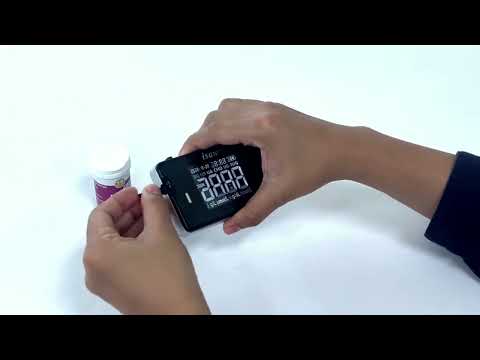
Confirm the meter code matches the code required for the test strip.

04

Prepare Sample

Prepare the sampling site and follow the strip instructions for sample application.

05

Read & Record

Wait for the meter result and record it if you are monitoring a trend over time.

Product registration

Activate Your 5-Year Warranty

Register your ISAW product and purchase details so future warranty and support checks are easier.

5-year warranty registration
Keep your purchase and product details together
Faster reference when support is required

Ready to register?

The warranty registration opens securely in a separate form. Your current Support Hub URL remains unchanged for NFC and future customer access.

Activate My Warranty →
Continue your routine

Reorder Test Strips & Supplies

Quick links help customers return to the supplies they use most often.

Still need help?

Contact the ISAW support team and include the product, strip type and a photo of the meter display where relevant.

WhatsApp ISAW Support →